



Edit FLV, WMV and MPEG files without problems
There must be more than one hundred AVI file video editors, but editors for WMV, FLV and MPEG aren't so common, this might be because of the peculiarities of these formats because they are difficult to edit or simply because they aren't popular enough. The thing is, Movica is a program to edit them.
Edit those files you couldn't edit before
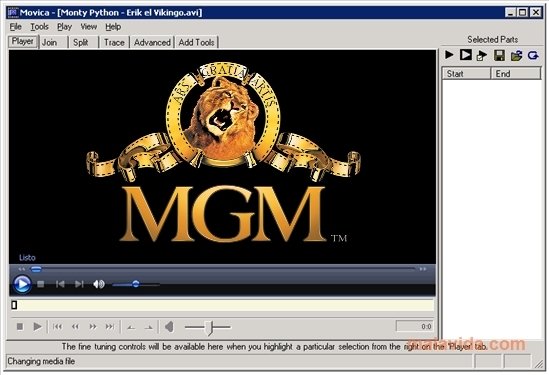
Once we have installed the libraries necessary (that aren't distributed with the program because they aren't open source, even though it isn't very complicated to find them), we'll be able to open any WMF, FLV and MPEG file, and trim it, delete parts, reorder trimmed sequences, or whatever we want.
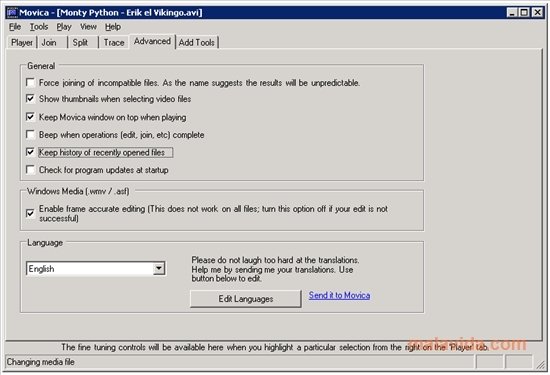
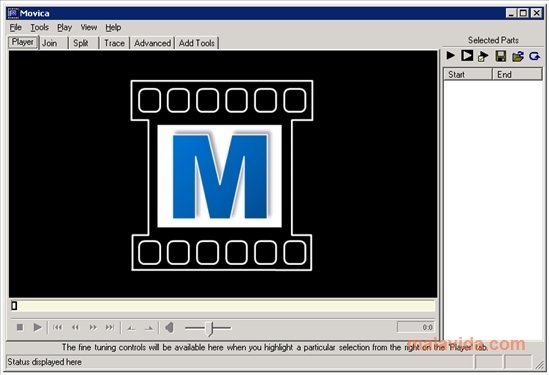
All the latter using a plain GUI that uses tabs to organize the different possibilities it offers, and that most users should be able to use in a few minutes. Like most video editing programs, we can visualize the video with the timeline below. Furthermore, if we have RealPlayer installed, Movica will also be able to edit RM files.
Requirements and additional information:
- It's necessary to install the AsfBin, MpgTx and flvtool libraries so that it can recognize the corresponding video formats.
 Héctor Hernández
As a technology journalist with over 12 years of experience in the world of software and apps, I have had the opportunity to try all kinds of devices and operating systems over the years. I have done from software or mobile applications reviews...

Antony Peel